



Wondering how to pay on Mulebuy? The Mulebuy payment method system supports international cards, digital wallets, and regional payment options, giving shoppers flexibility at checkout. In this guide, you’ll find the supported payment methods, learn how the payment process works, and discover a few things to consider before placing an order.
What Payment Methods Does Mulebuy Support?
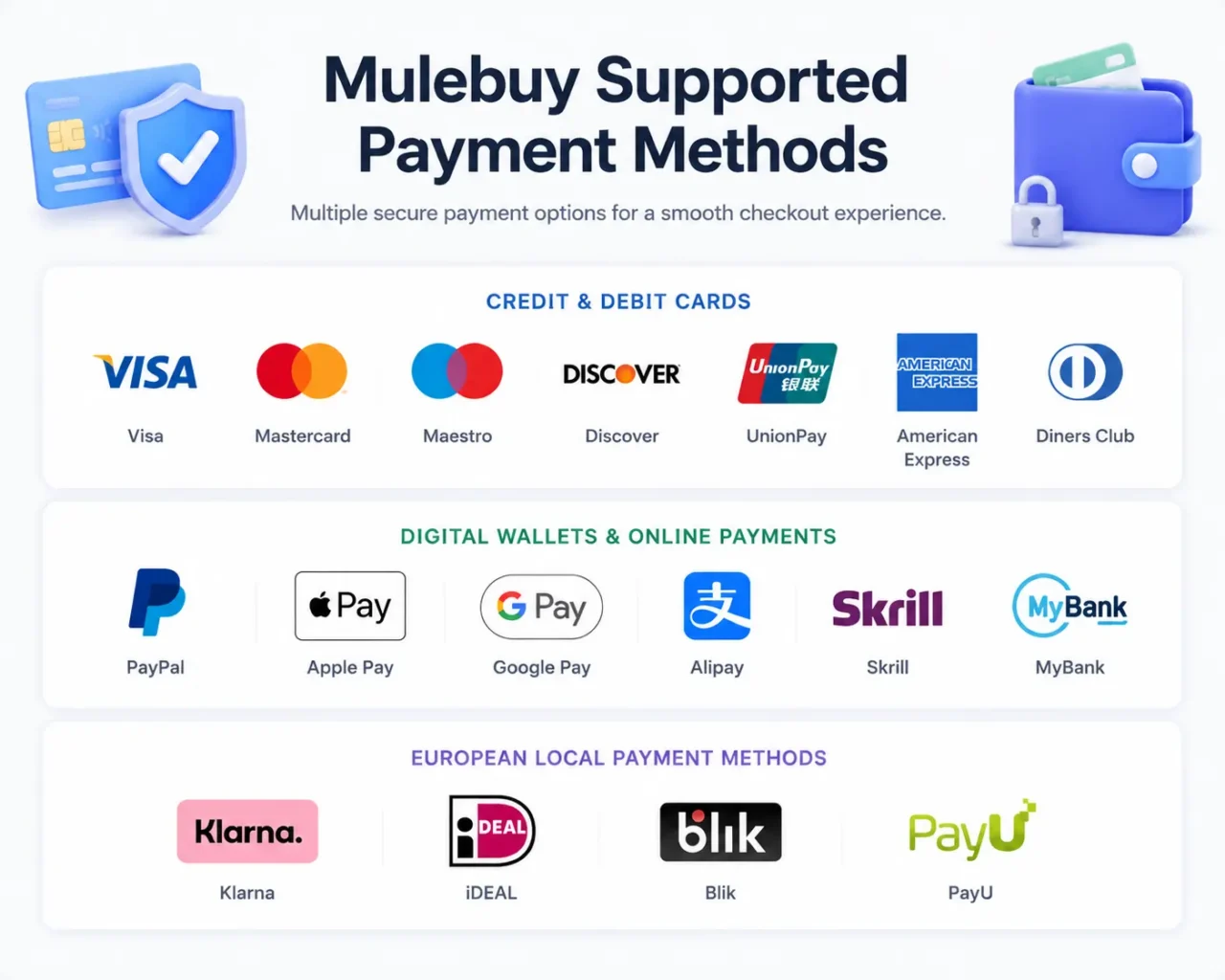
Mulebuy supports several payment methods, giving shoppers from different countries flexibility at checkout. Depending on your region, device, and transaction type, you may see cards, digital wallets, or European local payment methods.
Credit and Debit Cards
Cards are widely used for their convenience and speed. Supported networks include:
- Visa
- Mastercard
- Maestro
- Discover
- UnionPay
- American Express
- Diners Club
Card payments are a practical choice for many orders. Depending on your card issuer, you may also receive payment alerts, fraud monitoring, or dispute support.
Digital Wallets and Online Payments
If you prefer a faster checkout experience, Mulebuy also supports several digital wallets and online payment options:
- PayPal
- Apple Pay
- Google Pay
- Alipay
- Skrill
- MyBank
These options can reduce the need to enter card details manually. PayPal is useful if you prefer a familiar global payment platform, while Apple Pay and Google Pay are convenient for mobile checkout. Alipay is also available for users who already use that payment ecosystem.
European Local Payment Methods
For shoppers in Europe, Mulebuy supports several regional payment solutions that are commonly used in specific countries:
- Klarna
- iDEAL
- Blik
- PayU
These payment methods are designed for local banking and checkout preferences. For example, iDEAL is widely used in the Netherlands, while Blik is a popular payment system in Poland. Availability depends on your country and the payment options displayed at checkout.
Which Mulebuy Payment Method Should You Choose?
The best payment method depends on your location, preferred checkout experience, and the payment services available to you. Visa, Mastercard, and PayPal are often the most convenient choices because they are widely accepted and familiar to many shoppers.
If you regularly shop from a mobile device, Apple Pay and Google Pay can make checkout faster by using your saved payment information. For shoppers in Europe, local payment options such as Klarna, iDEAL, Blik, and PayU may offer a more familiar payment experience. In most cases, the best option is the one you already use and trust, provided it is available during checkout.
Is Mulebuy Payment Safe?
Payment security is a common concern when shopping through a purchasing agent platform. Mulebuy works with established card networks, digital wallets, and payment providers to process transactions securely.
Many supported payment methods include their own safeguards. PayPal may offer dispute resolution for eligible purchases, credit card issuers often provide chargeback rights, and Apple Pay and Google Pay use tokenization technology to help protect payment information during checkout.

How to Pay on Mulebuy?
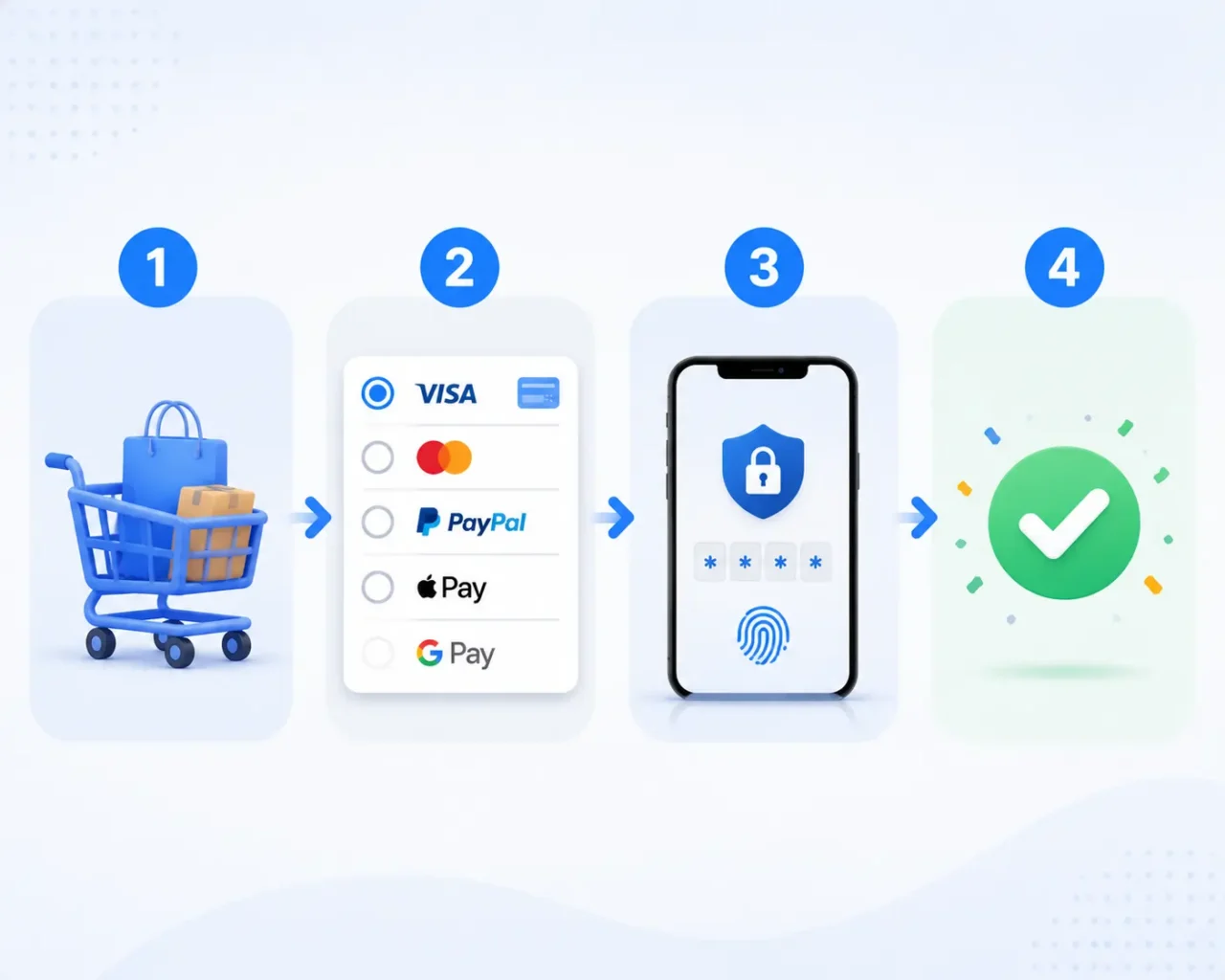
Paying on Mulebuy is a straightforward process. Once you have added products to your cart, you can proceed to checkout and select a payment option available in your region.
Step 1: Submit Your Order
Add your selected products to your Mulebuy cart and review the product details, quantity, size, color, and estimated charges.
Step 2: Choose a Payment Method
Select one of the available payment methods. Depending on your location, you may see options such as Visa, Mastercard, PayPal, Apple Pay, Google Pay, Alipay, Klarna, and more.
Step 3: Complete Verification
Some payment providers may require additional verification. This may include a one-time code, banking app confirmation, biometric authentication, or wallet login.
Step 4: Confirm Payment
Once your payment is approved, Mulebuy updates the order status and begins processing your purchase. If a payment attempt fails, you can review the payment details or select another available method.
Things to Know Before Paying on Mulebuy
Before completing checkout, it helps to understand a few factors that may affect your payment experience.
- Currency Conversion: Some payment providers automatically convert currencies. Exchange rates and conversion fees vary depending on the provider.
- Regional Availability: Not every Mulebuy payment method is available in every country. The checkout page displays the options supported for your location.
- Transaction Limits: Banks and payment providers may apply spending limits or additional verification requirements for larger transactions.
- Processing Times: Most payments are processed quickly, but occasional delays can occur due to bank reviews or payment verification procedures.
Conclusion
The mulebuy payment method system offers a variety of options, including international cards, digital wallets, and European local payment methods. Whether you prefer PayPal, Apple Pay, Alipay, Visa, or a local payment solution, Mulebuy provides multiple ways to complete your purchase. Understanding the available options can help you choose the payment method that best matches your location and shopping preferences.
FAQs
Yes, Mulebuy accepts PayPal. Many shoppers choose PayPal because it provides a familiar checkout experience and may offer dispute resolution for eligible transactions.
Yes, Alipay is supported as a Mulebuy payment method. It is a convenient option for users who already use Alipay and prefer paying through that platform.
Some Mulebuy payment methods are region-specific. The available options depend on your country, currency, device, and transaction type, so the checkout page may display different payment methods for different users.
If a payment fails, you can check your account details, verify your selected payment method, or try another supported payment option. Mulebuy customer service is also available to help resolve issues and guide you through the process.